
If certain accounts or topics leave you feeling overwhelmed or distressed, take action by using the platform options usually found on the ‘…’ in the top right corner of a post. Here you will find options to ‘see less’, unfollow, block, mute, snooze or say you’re ‘not interested’ in the content. This signals to the platform that you don’t want to see similar content in future.
Wellbeing Online Guide
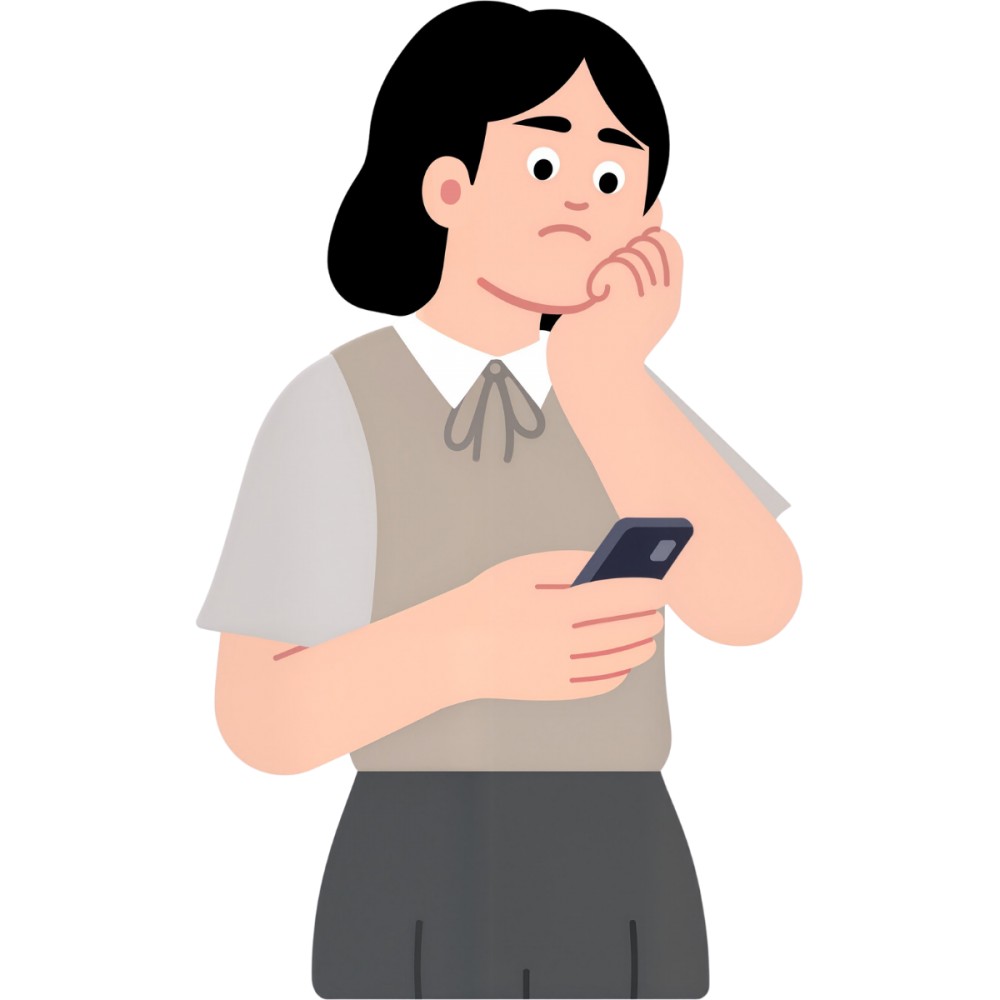
There’s a lot happening in the world right now, and with social media at your fingertips, it can feel like you’re constantly plugged into every update, opinion, and unfolding event. While being online can help you feel informed and connected, it can just as easily leave you feeling drained. Endless scrolling, emotionally heavy news cycles, disinformation and perfectly curated influencer feeds all contribute to a digital environment that can impact your wellbeing more than you might realise.
In moments when your feed feels overwhelming or your scrolling habits leave you feeling flat, it’s important to remember that you have more control than it might seem. What shows up on your feed isn’t random; it’s shaped by algorithms that respond to the content you pause on, interact with, or search for. Even lingering on a post for a few seconds can be enough for a platform to decide you want more of it.
The good news? You can take small steps to help you see more content that brings you joy, and less of the stuff that upsets you. We’ve teamed up with Netsafe to bring you some top tips to help protect your wellbeing online.
Top tips to help protect your wellbeing online
Head to the settings menu to change your content preferences, turn on filters that limit sensitive or graphic material and even reset your feed content if things are getting a bit heavy. Many social media apps have content filters, safety features, and search controls automatically activated for teen accounts.
Engage more with content that makes you feel good when you’re scrolling. Follow accounts that inspire you, make you feel calm or bring you joy. Like, save or share content that makes you feel good – the more you interact with positive content, the more you’ll see of it. On Instagram, you can even view ‘your algorithm’ and adjust it in the content preferences option. Further reading from Netsafe Why Am I Seeing This Content And How Can I Change It? | Netsafe.
If friends in group chats regularly share upsetting content, let them know you’d prefer not to receive it, or simply leave the chat. Don’t be tempted to share yourself, even just to express outrage or disgust, as this in turn can upset others. Mute other accounts that share this content on their own social feed, so you don’t have to see it unwillingly. Just because it’s gone viral or is in the news, doesn’t mean it’s necessary for you to view it – do what’s best for your wellbeing.
Constant alerts can increase anxiety. Go to your phone settings to turn off non-essential notifications or schedule screen-free times during the day. Take a break from scrolling if you need to; head outside and get some fresh air, connect with a friend in person, or do an activity you enjoy.
If you come across content that is harmful, abusive, misleading or violates platform rules, use the in-app platform reporting tools. Reporting helps platforms identify and remove content that may harm others. You don’t have to engage with it; reporting is a simple way to take action and protect your own space.
Your online space should feel safe and supportive. If you or someone you know is experiencing online harm causing serious emotional distress, you can also report it to Netsafe, for free, confidential support.

Taking a more mindful approach to your social media use can really make a difference to your wellbeing, we hope these tips help you to have a digital experience that feels safer, calmer, and more in your control.
Further reading from Netsafe
Share this page
There is no health without mental health
Help ensure everyone in Aotearoa has the tools to enjoy positive mental health and wellbeing.

Did you find this article useful?